
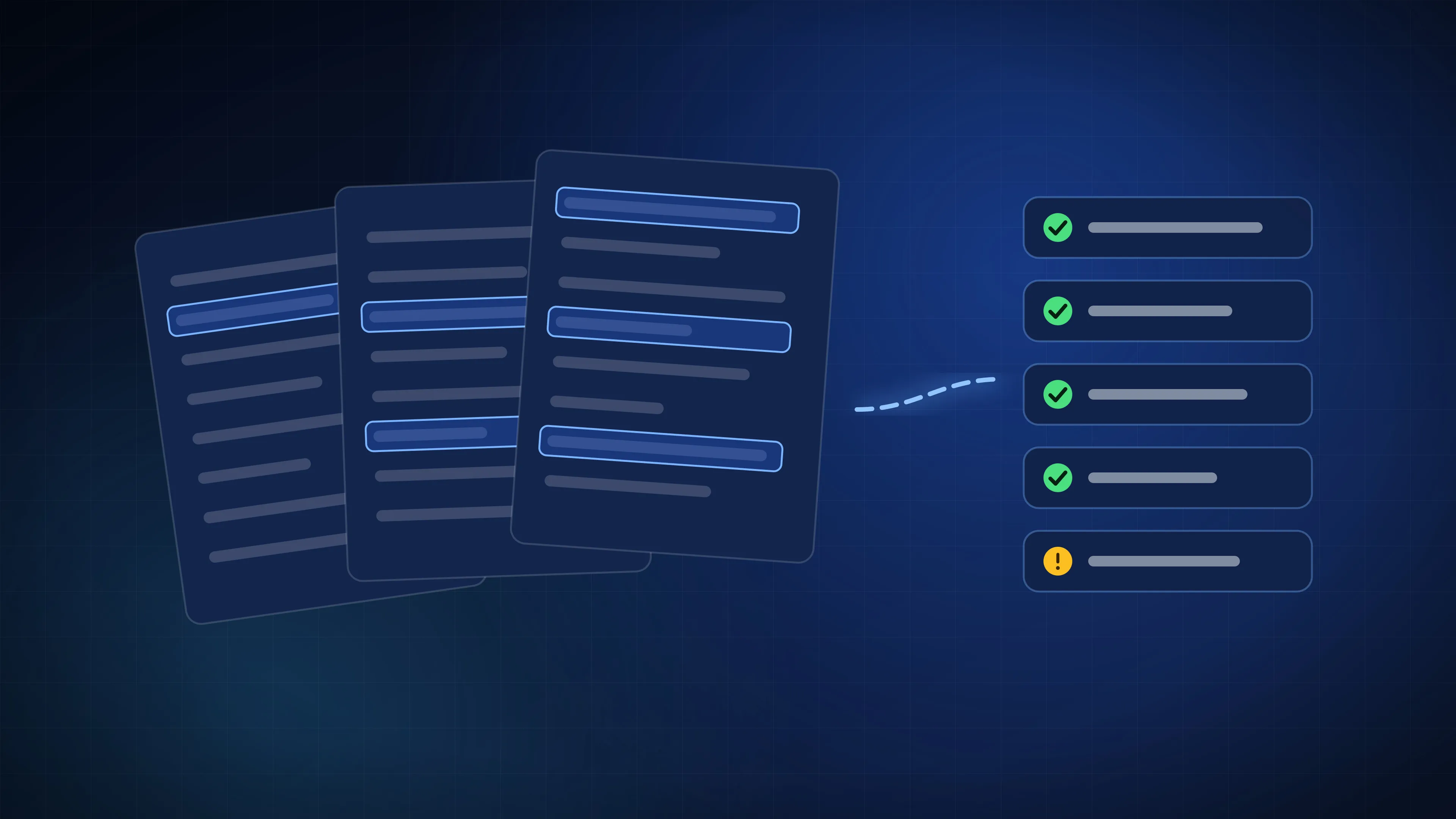
AI Document Automation: Invoices, Leases and KYC Without the Typing
Where AI can now read documents reliably, where a person still needs to check, and how a business can start automating paperwork without risking its accounts.
Technology & AI
Most business dashboards are opened twice and forgotten. How to choose the numbers that matter, put the data in one place and review it every week.
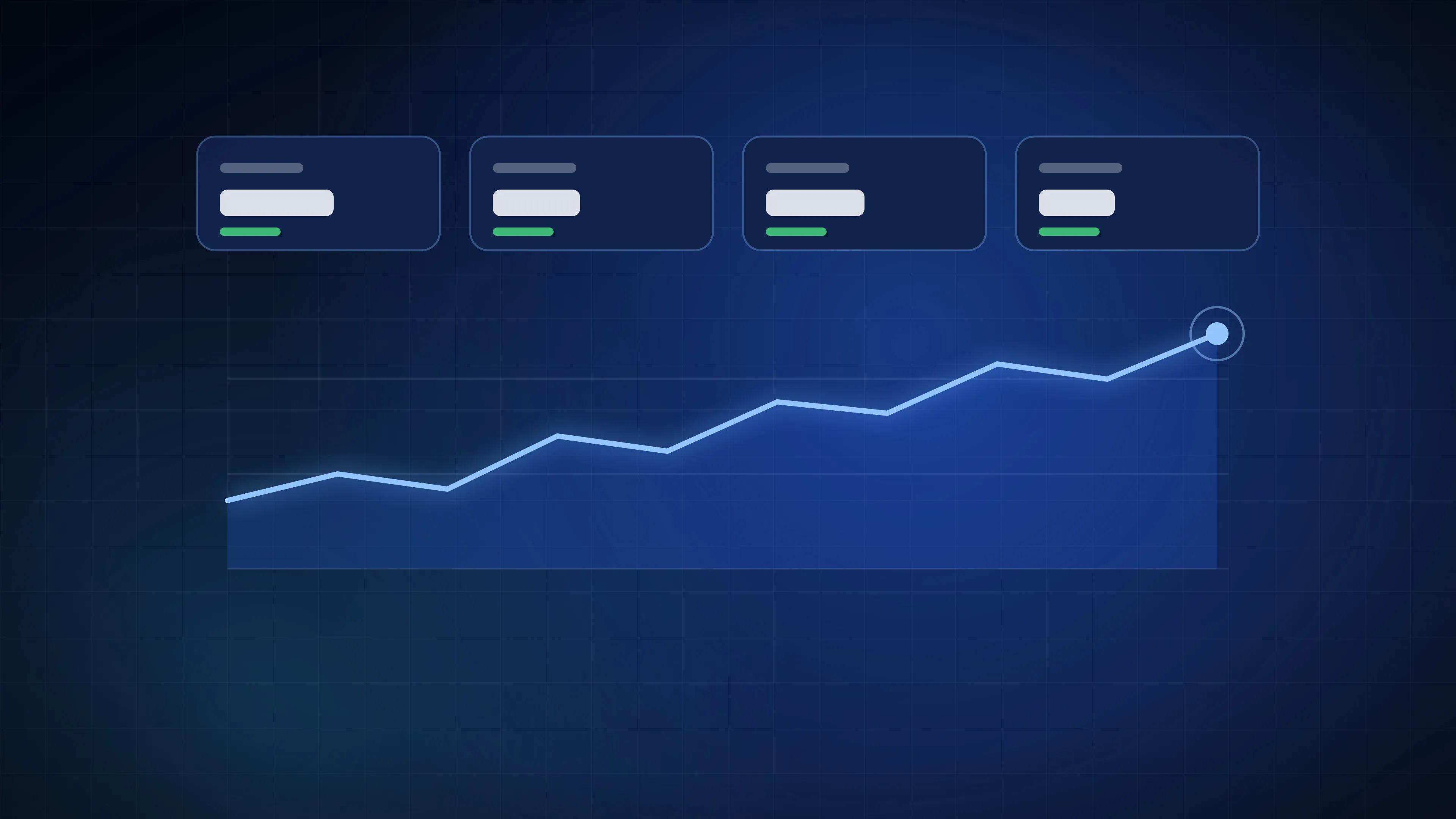
Almost every growing business has data: sales in the billing system, leads in a CRM or a spreadsheet, ad spend in Google and Meta, stock in Tally, reviews on Google. Very few owners can answer a simple question, such as which outlet or campaign made money last week, without asking three people and waiting a day.
A good dashboard fixes that. A bad one becomes another tab nobody opens. The difference is mostly in what goes on it.
Before choosing a single chart, write down the decisions you make every week: where to spend on ads, which outlet needs attention, which salesperson needs help, what to reorder. Each number on the dashboard should help with one of those decisions. If it does not, leave it off.
Most businesses can run on a handful of numbers. For example:
Each one should have a target, so the dashboard can show at a glance what is on track and what is not.
The hard part of a dashboard is rarely the charts. It is pulling data from every system automatically, so the numbers are current and nobody has to paste spreadsheets together. That usually means:
Once that foundation exists, new reports take hours instead of weeks.
A dashboard earns its keep in a meeting. Pick a time each week, open the same screen, and go through the numbers that are off target. Decide what to do about each one and who will do it. Then let the dashboard send a short summary to the owner and the team before that meeting, so it arrives rather than waiting to be opened.
Some numbers should not wait a week: a sudden drop in sales at one outlet, a spike in bad reviews, an ad campaign spending with no enquiries. Set alerts for these, sent on WhatsApp or email, with a link to the detail.
With a year or more of clean data, a dashboard can start to look forward: likely sales by outlet next month, stock needed for a festival week, or the number of enquiries a campaign should bring. Forecasts are only as good as the data behind them, so build them on the foundation, not instead of it.
We build dashboards like this and use them in our own businesses. You can see a sample in the live dashboard demo, read how we track enquiries through to revenue, or see dashboards and forecasting on our Enterprise page.
Where AI can now read documents reliably, where a person still needs to check, and how a business can start automating paperwork without risking its accounts.
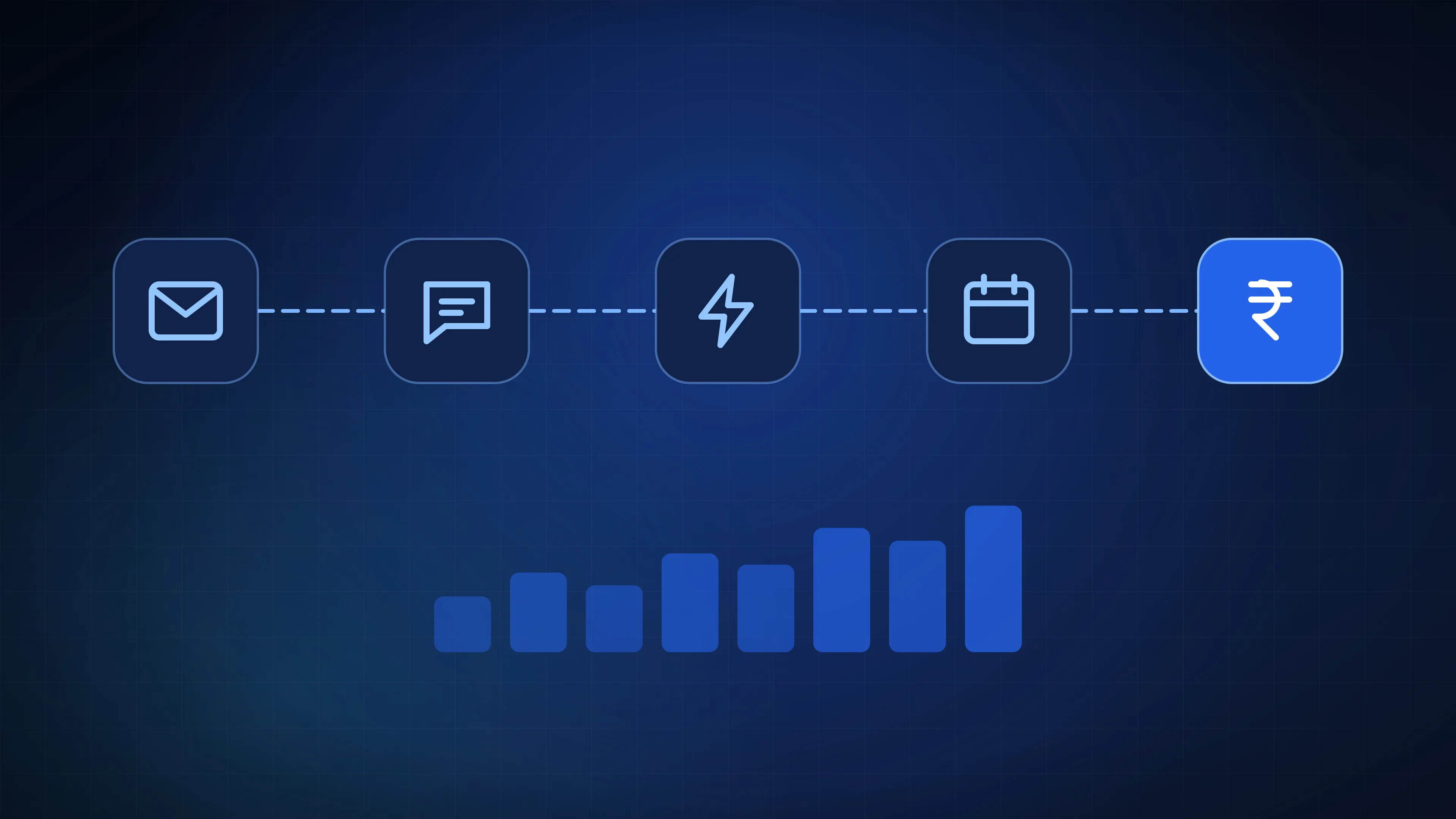
Most enquiries go to whoever answers first. How to capture every lead, reply in minutes, follow up on schedule and track each one through to revenue.